

Most store loyalty programs are built to be confusing. Tiers, multipliers, a members-only price that is just the price, points that mean one thing this month and another thing next. Bidvana Rewards is one rule with one number in it, and this guide is mostly about what the number does and does not cover, so you can decide whether to think about it at all.
The short answer: 1% back on what you spend on items, as points you redeem for store credit, free with your account. The rest is detail worth knowing before you count on it.
What Bidvana Rewards is
Every signed-in account earns 1 point per dollar on eligible purchases. 100 points redeems for $1.00 of store credit. That works out to 1% back, which is the number to keep in your head: spend $200 across a few orders and you have 200 points, which is about $2 of credit toward the next one.
Your account is free, Rewards is included with it, and there is no separate membership to buy or opt into. There is no tier above it that earns more, and no tier below it that earns less. Signing in is the whole qualification, which is also the one way to miss out: points attach to an account, so shop signed in.
What counts as eligible
Rewards are calculated on the item price after discounts, excluding shipping and tax. Each half of that sentence matters:
- After discounts. You earn on what you actually paid for the item, not on a list price. A $200 item bought for $180 earns 180 points, not 200.
- Excluding shipping. The delivery line on your order does not earn. Points come off the items, not off what it cost to bring them.
- Excluding tax. Sales tax is money we collect and pass on, so it does not earn either.
- Final sale is still eligible. A unit sold final sale earns like anything else. It simply cannot be returned or adjusted afterwards, and the listing says so before you buy.
So the rule of thumb is: look at the items subtotal on your order, after any discount, and that is your points number. One point per dollar of it.
A $180 order, worked out
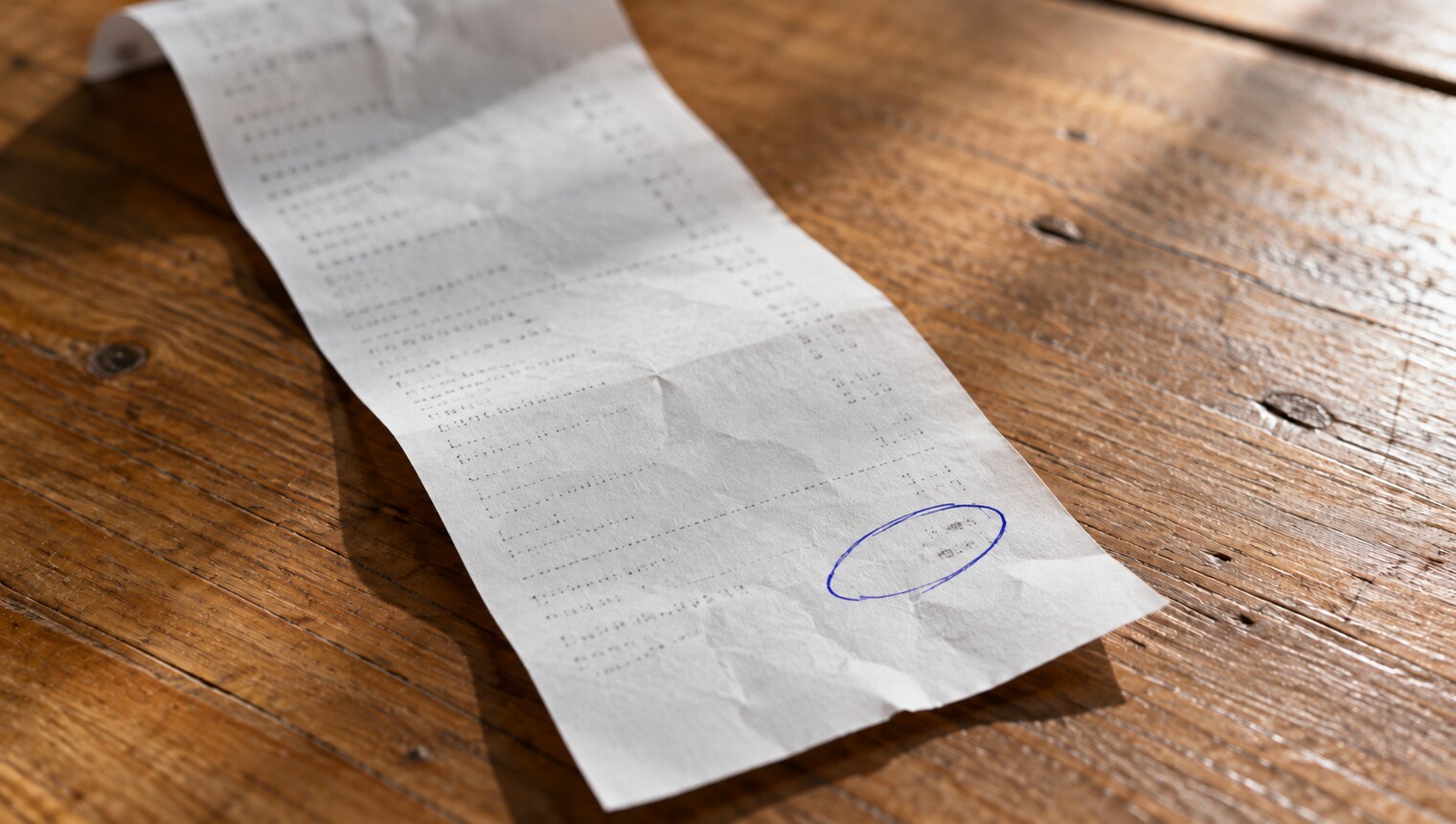
Take a cart with a $180 item in it. Shipping and sales tax are added on top, and neither earns points. The tax figure below is an illustration so the receipt adds up: yours depends on your address.
- Items
- $180.00
- Standard shipping
- + $14.95
- Sales tax, example figure
- + $13.05
- What you pay
- $208.00
Points come off the $180.00 items line only: 180 points, which redeems for $1.80 of store credit.
Note the size of it: 180 points is $1.80, on $180 spent. Rewards is a small tailwind on top of a price that was already low, never a reason to pay more.
When your points become available
Points are pending as soon as you pay, and they become available when the order’s three-day return window closes. That window starts at delivery, not at the order, so a slow delivery moves your points along with it. It is three calendar days rather than 72 hours, ending at 11:59pm Eastern on the third day, so a box that lands on a Tuesday afternoon settles at the end of Friday. You can see pending and available points in your account.
That is the honest moment to release them. The window exists so that a unit which is not as described can go back for a full refund. Making points spendable on an order that might be unwound would mean handing you something and then taking it back, which is a worse experience than waiting three days. So the points become yours when the order is genuinely settled.
If you want them sooner, you can bank your points early from your order page. That makes them available at once and makes the whole order final, not just the one item you were thinking about: nothing on it can be sent back afterwards under the three-day condition guarantee, which is the only return we offer. It is a real trade, not a shortcut: you are swapping every return right on that order for a dollar or two of credit. For a $180 order, keep the window. For something small you have already used and love, banking early is reasonable.
Turning points into store credit
Redeeming is a step you take, on the rewards page in your account. Convert any number of available points into store credit there, with no code to paste, no minimum to reach and no increment to hit: 100 points is $1.00, and the arithmetic is exact. Points never expire, so nothing pushes you to do it before you have something to spend it on. The credit then sits on your account until you apply it at checkout, where it is opt in rather than automatic, so a balance is never spent without you choosing it.
One thing worth noticing: store credit is a way of paying, not a discount. It does not change the price of the item, so an order paid partly in credit earns on the full items line: $100 of credit against a $100 item still earns 100 points. What does change the base is an accepted offer or a discount, because that moves the price itself. That keeps the 1% honest and the arithmetic boring, which is how it should be.
Returns and the edges
One interaction comes up often enough to spell out.
A returned item earns nothing. If a unit goes back for a full refund, there was no eligible purchase, so its points go with it. While they are still pending that is a cancellation and nothing is taken off you, which is the other reason the window closes before they become available.
Habits that add up
A 1% program will not change your life, and anyone who tells you otherwise is selling a tier. What it will do is quietly stack with three habits that are worth having anyway.
Spend on items, not on extras
Shipping and sales tax earn nothing, so the item subtotal is the whole of your points number. One thing is worth knowing: an order over $199 ships free, so clearing that in a single order saves a charge that would have earned you no points anyway.
Buy the right unit, not the most units
A unit whose only low score is packaging is usually the best value on the page, because the thing scored down is the part you throw away. Take that discount first. The points follow the price you paid.
Stay signed in
Points attach to an account, and a purchase made signed out is a purchase that earned nothing. Signing in is also how your saved items, your order history and your credit balance stay in one place.
Let the window close on its own
Doing nothing is the default and usually the right call. Your points become available by themselves three days after delivery, and you keep the ability to send something back until then.
What Rewards is not
It is not a membership. There is no fee, no tier, no annual anything, and no better price hidden behind a sign-up. It is not a substitute for the price being right: our prices come from the item’s current retail price, a category discount and then the four condition facets, which is where the real saving is. And it is not a reason to buy something you did not want. One percent of a bad purchase is still a bad purchase.
Mostly, Rewards is meant to be forgettable. Shop signed in, buy the thing you came for at a price you are happy with, and three days after it lands a few points are yours to redeem whenever you want them. If you want the formal terms, the Rewards page has them, and our guide to condition reports covers the part that actually decides whether a deal is good.